Perspective correction for real estate photos.
Tilt a phone or camera a little and every wall starts to lean. Perspective correction makes verticals straight, so rooms look the way they do in person.
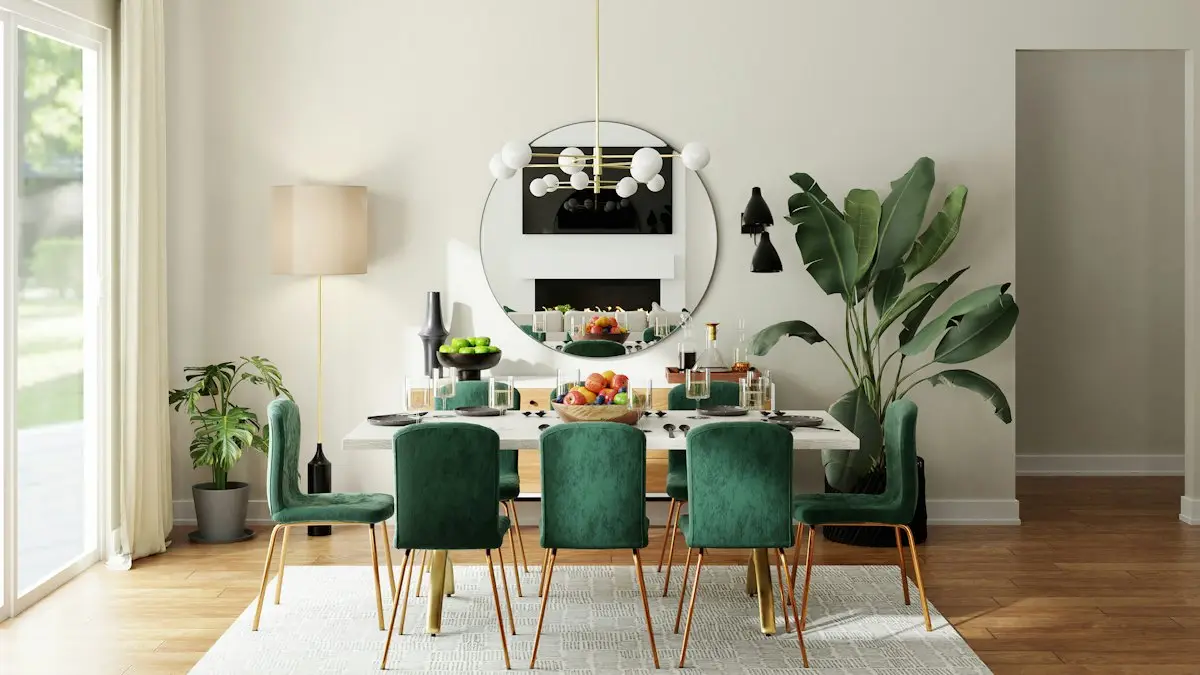
What perspective correction does
Straight walls and level lines.
- Straight verticals
- Walls, doors and window frames stand upright.
- A level horizon
- Countertops and ceilings run level across the photo.
- Less wide lens bend
- Lines near the edges of the frame curve less.
- The same room
- The shape of the room stays honest. Nothing is stretched to look bigger.
Good for
- Phone photos held slightly up or down
- Wide lens shots of small rooms
- Tall rooms and stairways
- Front of home photos taken from the street
Labels and MLS rules
Normal photo processing usually needs no label, as long as the photo still shows the home as it is. Your MLS has the final word, so check its own rule before you publish.
Questions and answers
Why do walls lean in my photos?
The camera was tilted up or down. Hold it level at chest height and step back to reduce it. Editing fixes what is left.
Does straightening need an MLS label?
Usually not. Straightening and lens correction are normal processing. Changing the size of a room is not allowed in CRMLS or Stellar MLS.
Can every leaning photo be fixed?
Small tilts fix cleanly. A strong tilt loses part of the photo at the edges, so level shots always give the best result.
Keep reading
- How to Take Real Estate Photos on an iPhoneHow to take real estate photos on an iPhone: the right lens, height and settings, how to keep JPEG files and how to send large photos to your MLS.
- 10 Real Estate Photography Mistakes to FixTen real estate photography mistakes agents make, from tilted phones to dark rooms, with the simple fix for each one before you publish the listing.
- Real Estate Photo Editing for ListingsReal estate photo editing that corrects light, color and lines in one step while the house stays the same. Listing-ready photos for US agents.
Make your next listing shine.
Choose a plan and edit your first listing photo.