Photo editing for Airbnb hosts.
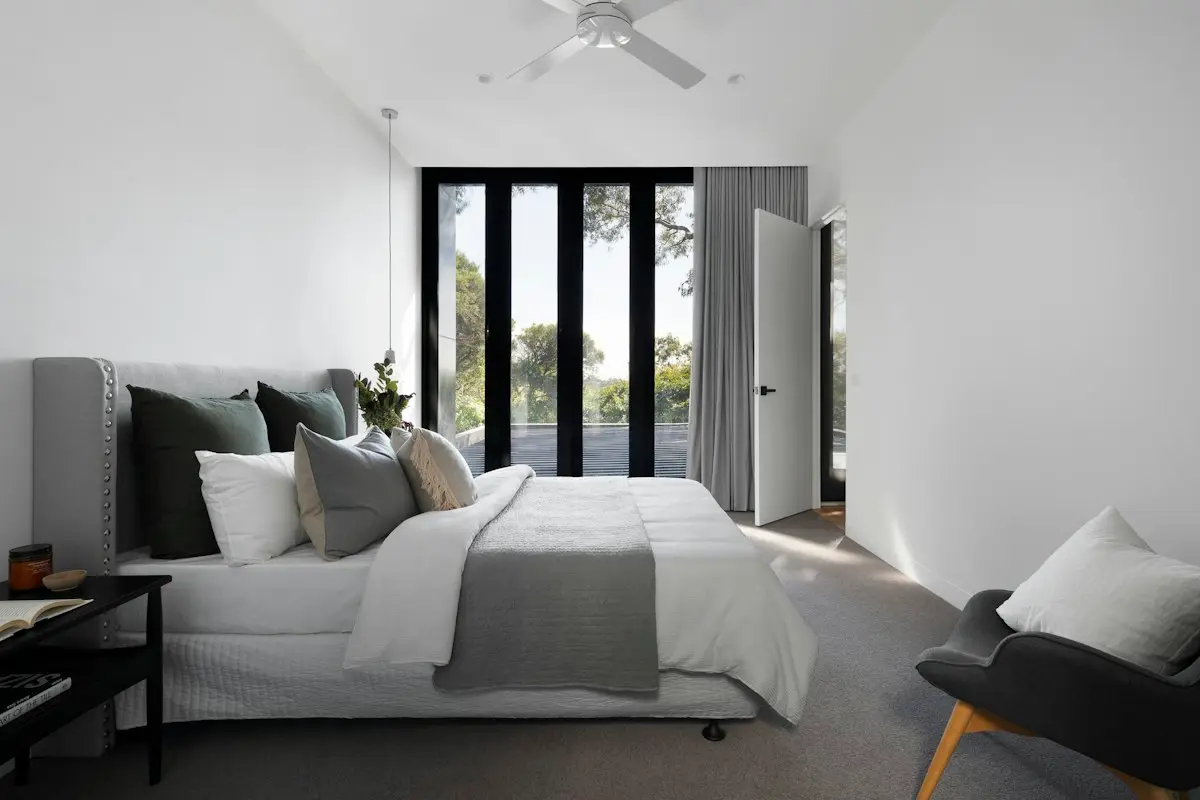
Guests choose a stay from its photos. HomeGlossy helps Airbnb hosts make phone photos bright and clear while the place still looks like the place.
Why hosts use it
For Airbnb and short stay hosts.
- Bright rooms
- Dark corners open up and colors look true.
- Straight lines
- Leaning walls stand upright.
- From your phone
- No computer or editing skills needed.
- Honest photos
- Guests get the stay they saw, which helps your reviews.
Good for
- New listings
- Rooms that look dark in photos
- Refreshing old photos after a makeover
Labels and MLS rules
Short stay sites ask for photos that show the place as it is. Keep edits to light, color and straight lines. Never hide a problem a guest will find.
Questions and answers
Can I use it from my phone?
Yes. It runs in your phone's browser, so there is nothing to install.
Will it change my room?
Enhance is built to correct light, color and lines, not to add or remove parts of a room.
Which files work?
JPEG, PNG or WebP, up to 30 MB.
Keep reading
- How to Take Real Estate Photos on an iPhoneHow to take real estate photos on an iPhone: the right lens, height and settings, how to keep JPEG files and how to send large photos to your MLS.
- 10 Real Estate Photography Mistakes to FixTen real estate photography mistakes agents make, from tilted phones to dark rooms, with the simple fix for each one before you publish the listing.
- Image Enhancement for Real Estate PhotosImage enhancement for real estate photos: sharper detail, cleaner color and balanced light for property photos taken on a phone or a camera.
Make your next listing shine.
Choose a plan and edit your first listing photo.