Image enhancement for real estate photos.
A property photo can lose a lot between the camera and the listing. Image enhancement brings back clean color, clear detail and balanced light.
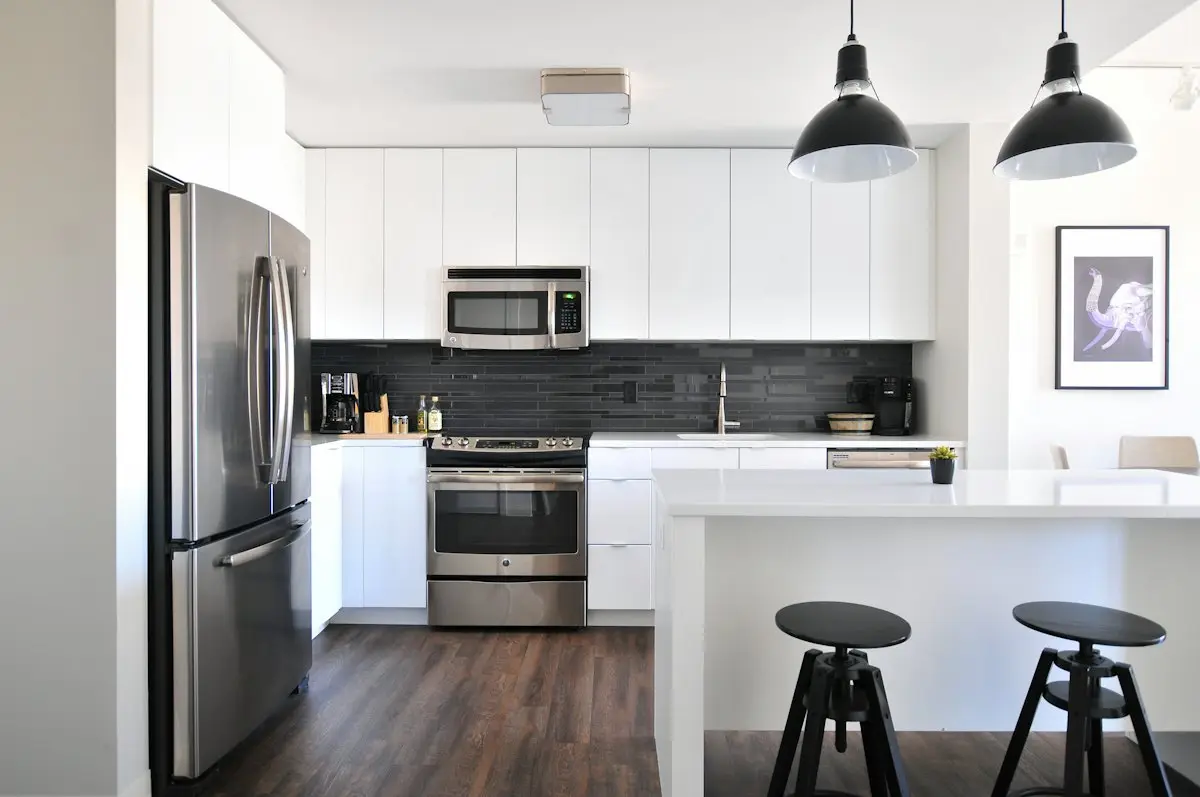
What image enhancement does
Cleaner, clearer property photos.
- Cleaner color
- Removes the yellow and blue casts that indoor lights leave behind.
- Clearer detail
- Countertops, floors and trim look crisp at listing size.
- Balanced light
- Rooms look bright from corner to corner.
- Less noise
- Grain from dark rooms is reduced.
Good for
- Phone photos of any room
- Dark rooms with small windows
- Older listing photos that need a refresh
Labels and MLS rules
Normal photo processing usually needs no label, as long as the photo still shows the home as it is. Your MLS has the final word, so check its own rule before you publish.
Questions and answers
What is image enhancement?
It improves how a photo looks without changing what it shows: light, color and clarity.
Can it save a blurry photo?
It can help a soft photo a little. A sharp photo is always the better start.
Is my original photo kept?
Yes. The photo you upload is stored exactly as you sent it.
Keep reading
- Real Estate Photo Editing for ListingsReal estate photo editing that corrects light, color and lines in one step while the house stays the same. Listing-ready photos for US agents.
- Why Are My Zillow Photos Blurry?Why listing photos look soft or blurry on Zillow and the MLS: the six usual causes, from camera shake to small files, with a simple fix for each one.
- 10 Real Estate Photography Mistakes to FixTen real estate photography mistakes agents make, from tilted phones to dark rooms, with the simple fix for each one before you publish the listing.
Make your next listing shine.
Choose a plan and edit your first listing photo.