The photo editor made for real estate agents.
Take the photo on your phone, upload it and let AI editing make it listing-ready, with no editing skills.
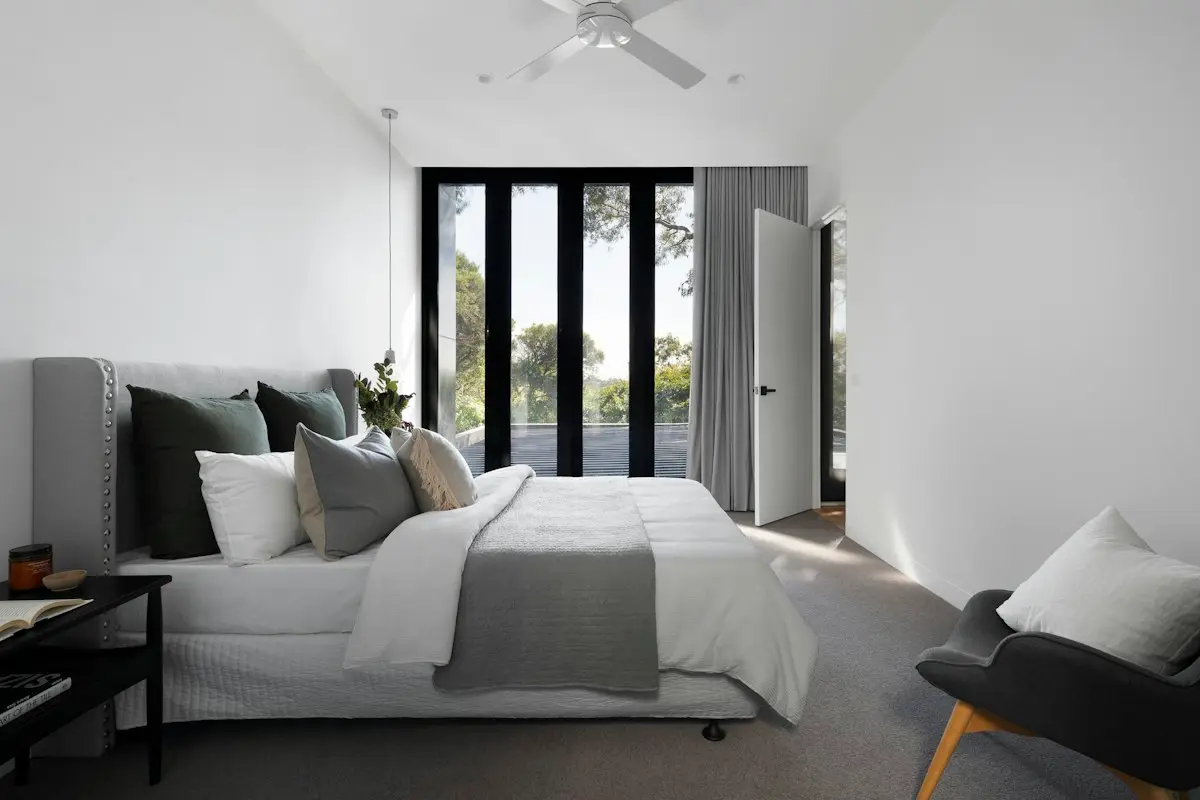
 OriginalEditedSample photo · the edit is simulated for this preview
From your phone to the listing
Three steps, all from your phone.
Take the photo
Any phone works. The tips below make the biggest difference before any editing.
Upload it
JPEG, PNG or WebP, up to 30 MB. Your original is kept exactly as you took it.
Enhance and download
Light, color, straight lines and clear windows, corrected for the listing.
How to take real estate photos with a phone
Six habits that make phone photos look professional.
- Turn it sideways
- Shoot in landscape from a doorway or a corner, so one photo shows most of the room.
- Chest height, phone level
- A phone tilted up or down makes walls lean. Keep it straight and at chest height.
- Every light on, blinds open
- More light means less noise and truer colors. Turn on lamps too, not only the ceiling light.
- Careful with the 0.5× lens
- The ultra-wide lens fits more in but bends lines near the edges. Step back and use 1× when you can.
- Tidy for real
- Move trash cans, cars and personal things before the photo. A real clean-up never needs an MLS label.
- Wipe the lens
- A fingerprint on the lens makes the whole photo soft and hazy. No edit fully fixes it.
Made for MLS photo rules
New laws and MLS rules ask agents to show the home as it is and to say when a photo was changed.
- The house stays the house
- Enhance corrects light, color and lines. It is built not to add, remove or move walls, windows, doors or floors.
- Your original is kept
- Every photo stays exactly as you uploaded it. Edits are saved beside it.
- Every edit is marked
- Finished photos are marked as edited, so you can label them where your MLS asks.
Questions and answers
Can I use photos from my phone?
Yes: JPEG, PNG or WebP, up to 30 MB, one photo at a time. On an iPhone, choose Settings → Camera → Formats → Most Compatible so new photos are saved as JPEG.
Do I have to label edited photos?
It depends on the edit and your MLS. Normal fixes such as brightness, color and straightening usually need no label. A new sky, green grass, virtual staging or removed furniture often needs a label. Some MLSs do not allow changing walls, floors or landscaping at all.
How many photos does one listing use?
Each edited photo uses one photo from your balance, so a listing with 25 photos uses 25.
Will the edit change the house?
Enhance is built to correct light, color and lines, not to add, remove or move walls, windows, doors or floors.
Make your next listing shine.
Choose a plan and edit your first listing photo.